

Informacje o pliku
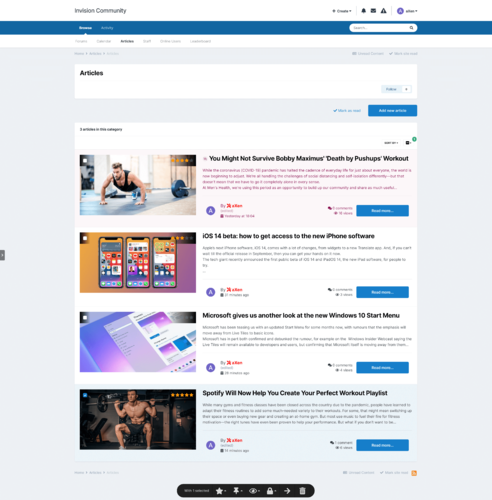
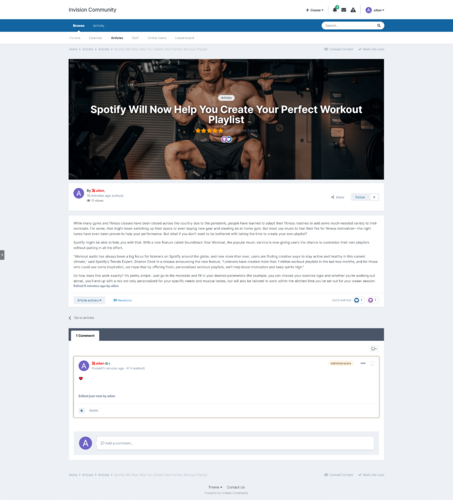
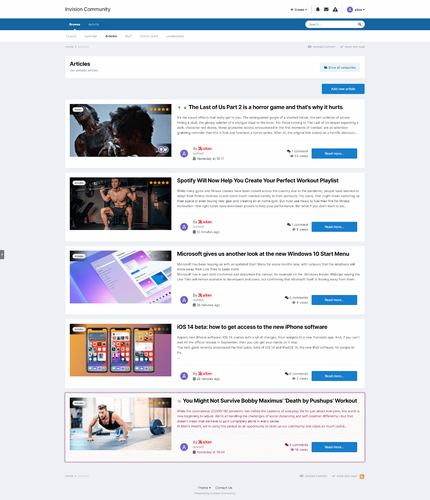
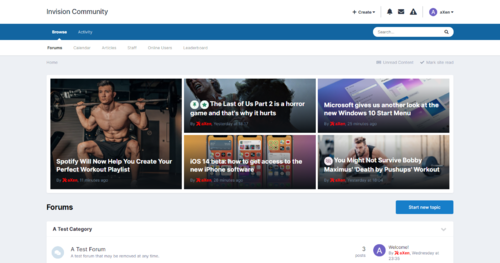
The modification allows you to change the appearance and add many functionalities to manage records.
Demo => https://ips.axendev.net/articles/
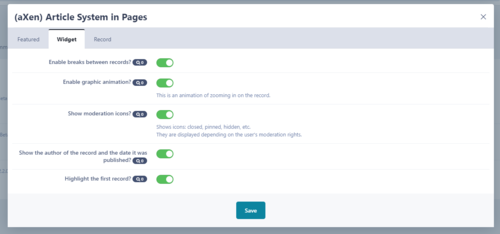
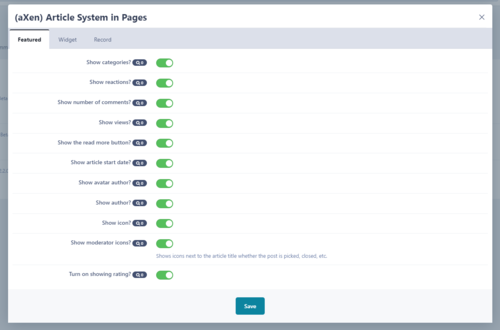
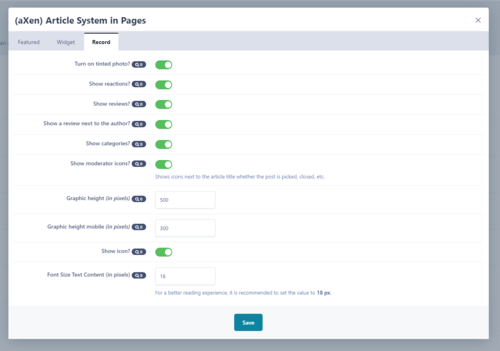
Settings allow:
- Possibility to hide the author in a record,
- The ability to show the category where the record is located along,
- The ability to show the number of reactions in the form of graphics,
- Option to show the number of record comments,
- The ability to show the number of views of the record,
- Additional Font Awesome Icons,
- The option of hiding the "Read more" button,
- Customizable block of records
➕ How to Install database (aXen) Article System in Pages in Pages?
- Install the plugin from the market using AdminCP,
-
Creating a new database.
Go to AdminCP -> Pages ->Content -> Databases -> Create New->Create New Database.

-
Options to change:
- Database index - change to - Show records like articles,
- Articles template - change to - Axenarticle Featured,
- Display Template Group - change to - Axenarticle Record,
- Listing Template Group - change to - Axenarticle Record Listing,
-
If you want to have high quality graphics change the settings:
- Options => Record Image Settings => Max. image dimensions - change to - 7680x4320,
- Options => Record Image Settings => Thumbnail dimensions - change to - 7680x4320,
- You can set the rest of the settings according to your own preferences,
- Grant group privileges to the database,
- Go to Page and add new page,
- Finished! Your database has been successfully created!

📰 How to Install block (aXen) Article System in Pages in Pages?
-
Go to AdminCP -> Page -> Page Management -> Blocks ->Create New Block,
-
Change to:
- Type: Plugin,
- Plugin: Feed from {name}
- Go to the Content tab and then change Template to axenarticle_block,
- You can set the rest of the settings according to your own preferences,
- Save and then go to your page,
-
Click on Menage Block,
-
Go to the Pages section and then place the Custom Blocks anywhere on your page,
-
Edit placed block and select your created block,
- Finished! Your block has been successfully created!


Co nowego w wersji 2.0.0 Zobacz listę zmian
Dodano
- The list of articles in the category view has been changed,
- The plugin has been improved,
- Code display conditions have been improved,
- The option to change your own icons in the plugin has been removed,
- Fixed an issue that resulted in unable to moderate when ratings were enabled,
- Added option to change the size of the graphics in the article view,
- PDF instructions have been added,
- The first letter highlight has been removed.
