

Informacje o pliku
Enhanced Adverts for Invision Community 5
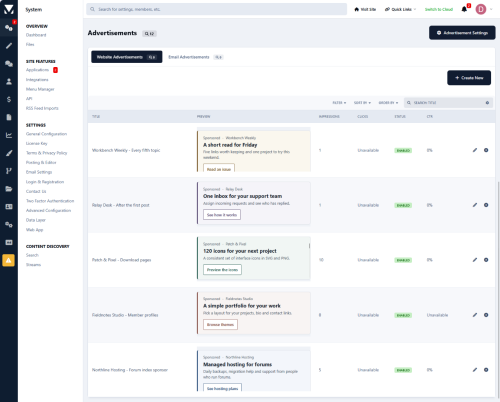
Offer sponsors a spot below the third forum category, between topics, or on selected download pages. Create and manage your ads in Invision's built-in advertising system, then use Enhanced Adverts to choose exactly where they appear.
Give each sponsor the right spot
-
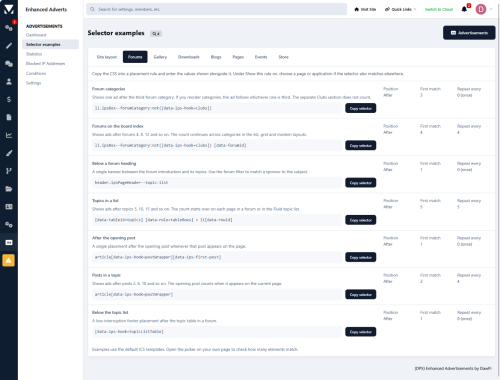
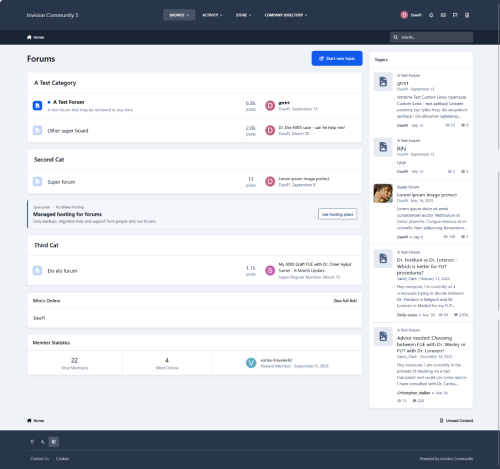
Forum index - Show a banner below the third category. If you reorder your categories, the banner still appears below whichever one is third.
-
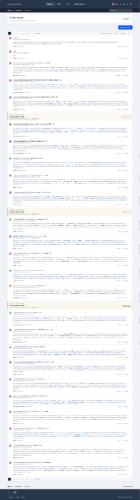
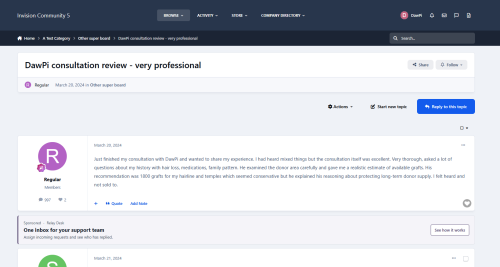
Topic lists - Show an ad after every fifth topic in a selected forum. Set a maximum per page to keep the list easy to browse.
-
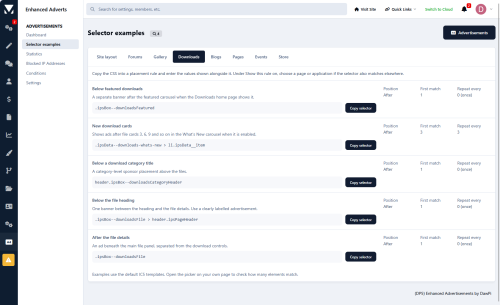
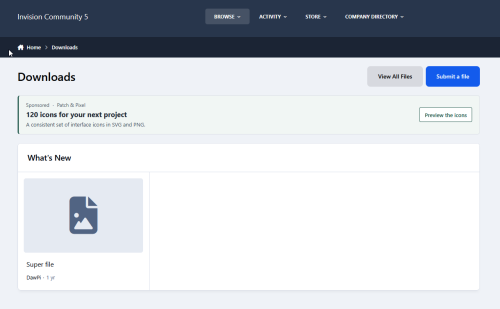
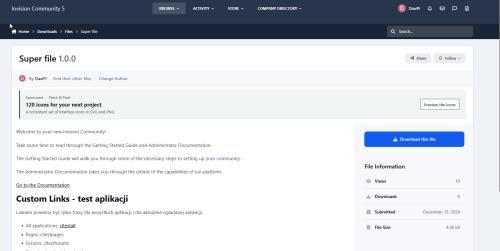
Download pages - Place a sponsor banner below the file header. Run a smaller creative on phones with a separate ad targeted to that device type.
Pick a placement on your own site
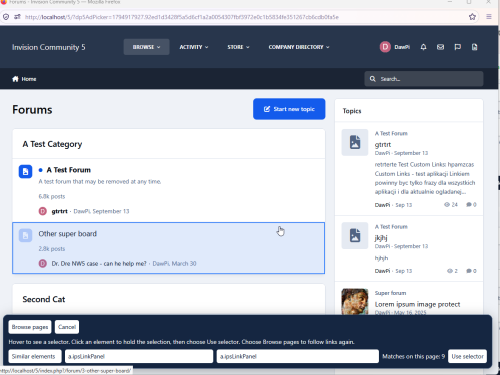
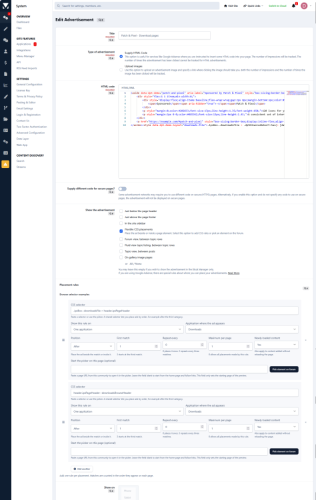
Open the visual picker in the AdminCP, browse to a page, and hover over an element to see what the selector matches. Choose where the ad goes and whether it appears once or repeats.
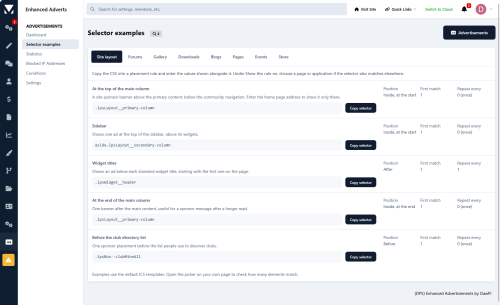
Start with one of 40 copyable placement examples across Forums, Downloads, Gallery, Pages, and other Invision apps, or enter your own CSS selector. Apply each rule to a single page, a group of pages matched by a URL pattern, or an entire app.
See how each ad performs
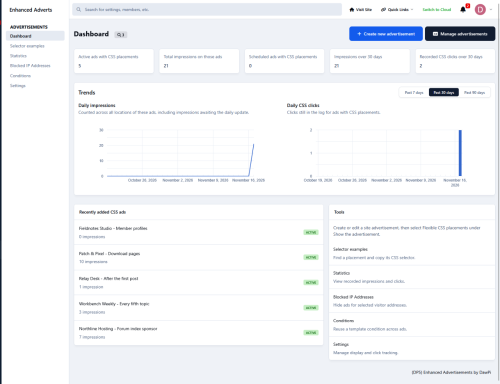
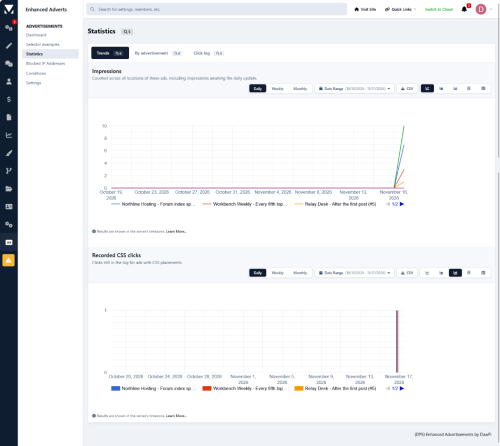
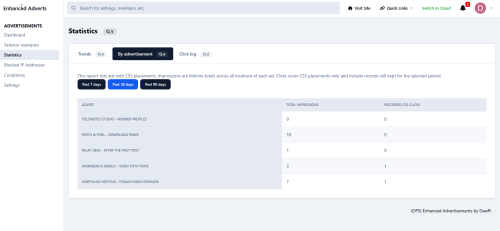
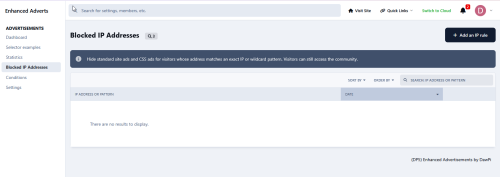
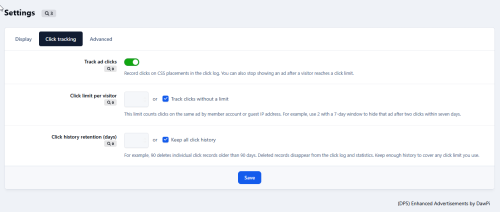
CSS placements count an impression when the ad comes into view. In Statistics → Trends, choose a date range, group results by day, week, or month, and compare individual ads using Invision's native charts. Enable click tracking to see recorded clicks and, if needed, stop showing an ad to a visitor once they reach a click limit.
Enhanced Adverts is in active development. Feedback and suggestions for new placements are welcome.