



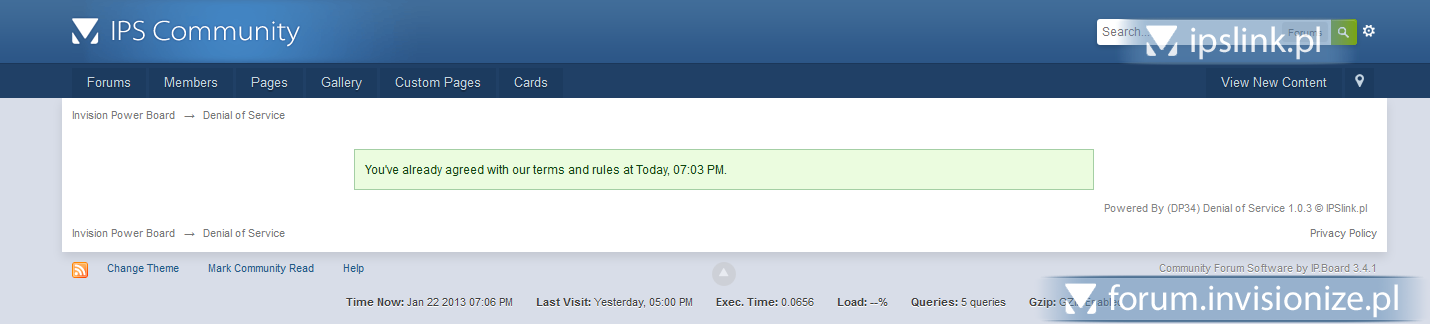
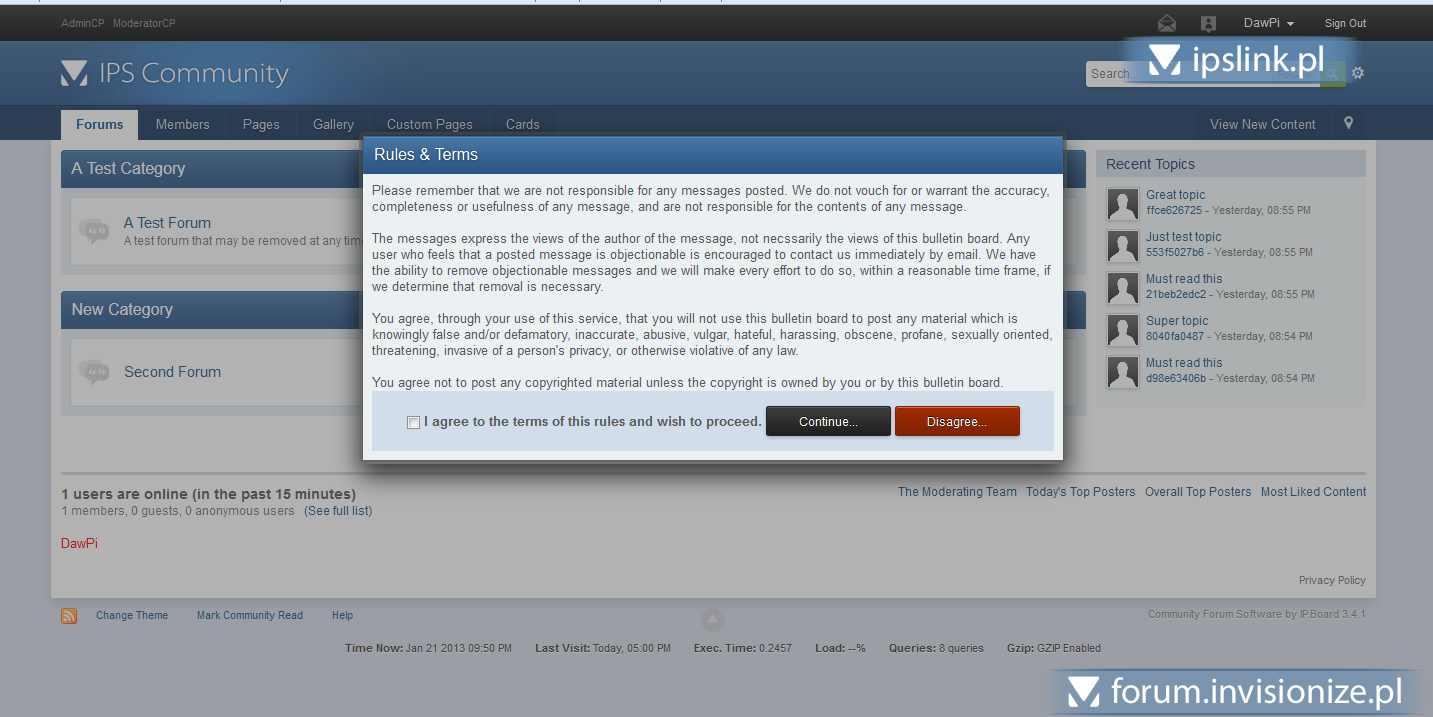
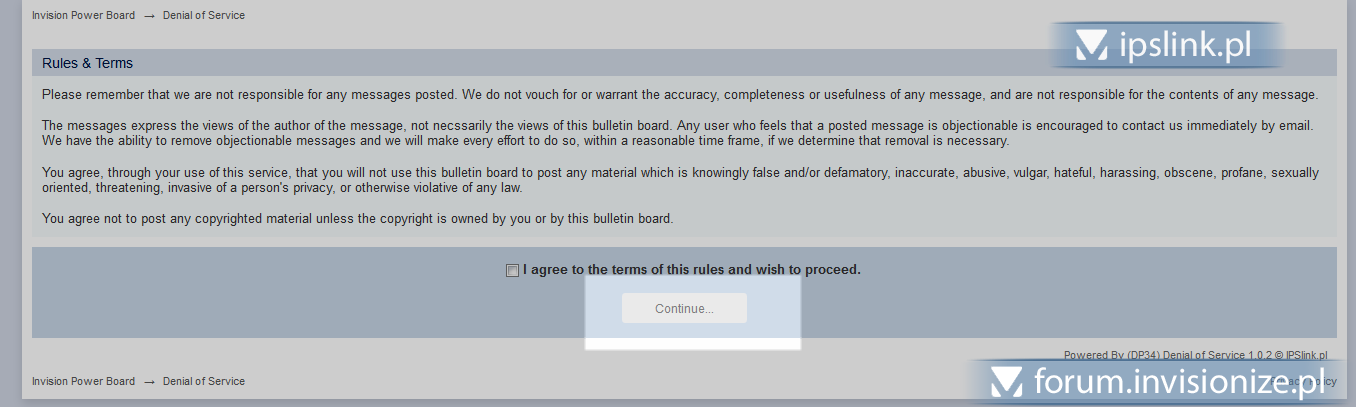
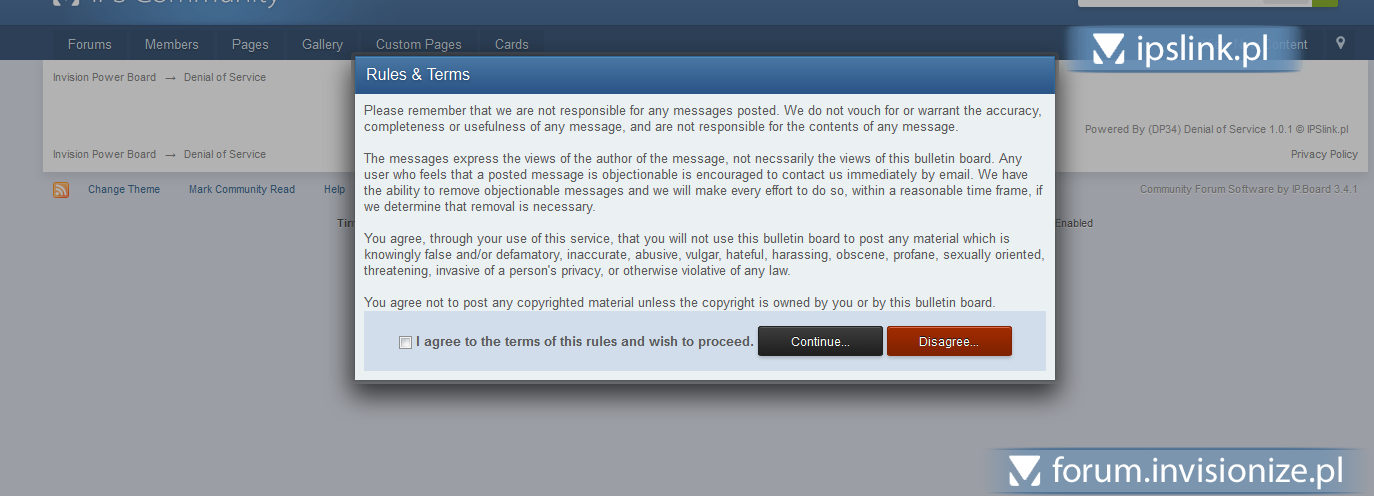
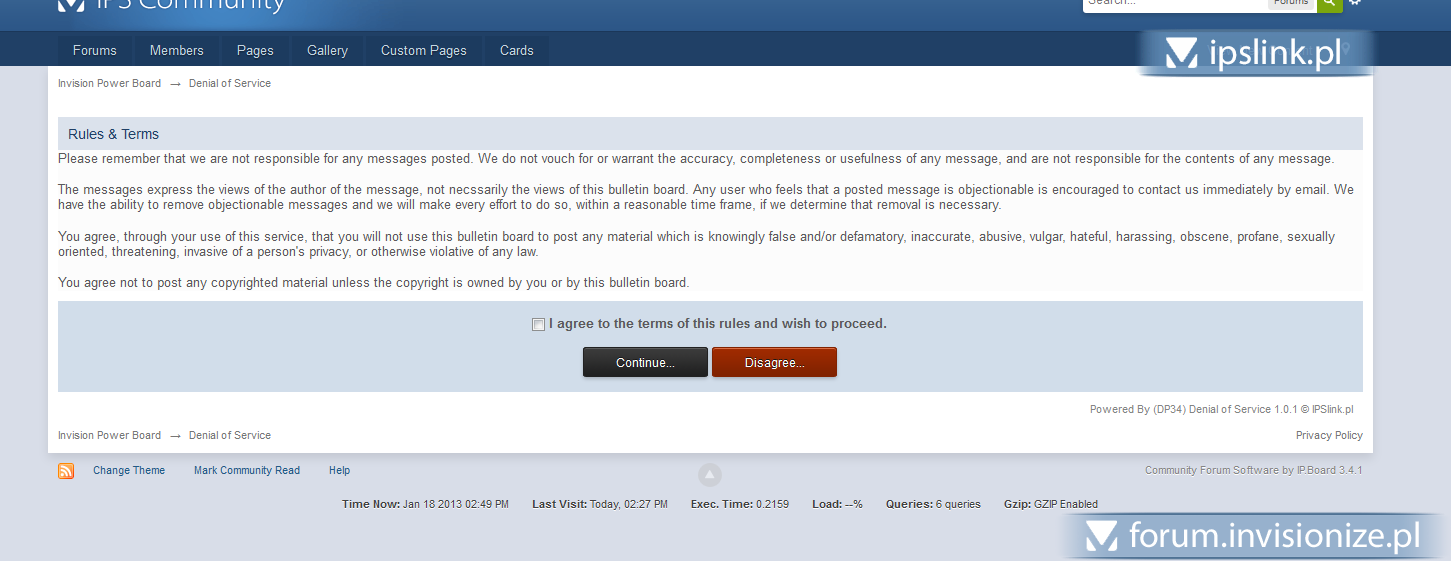
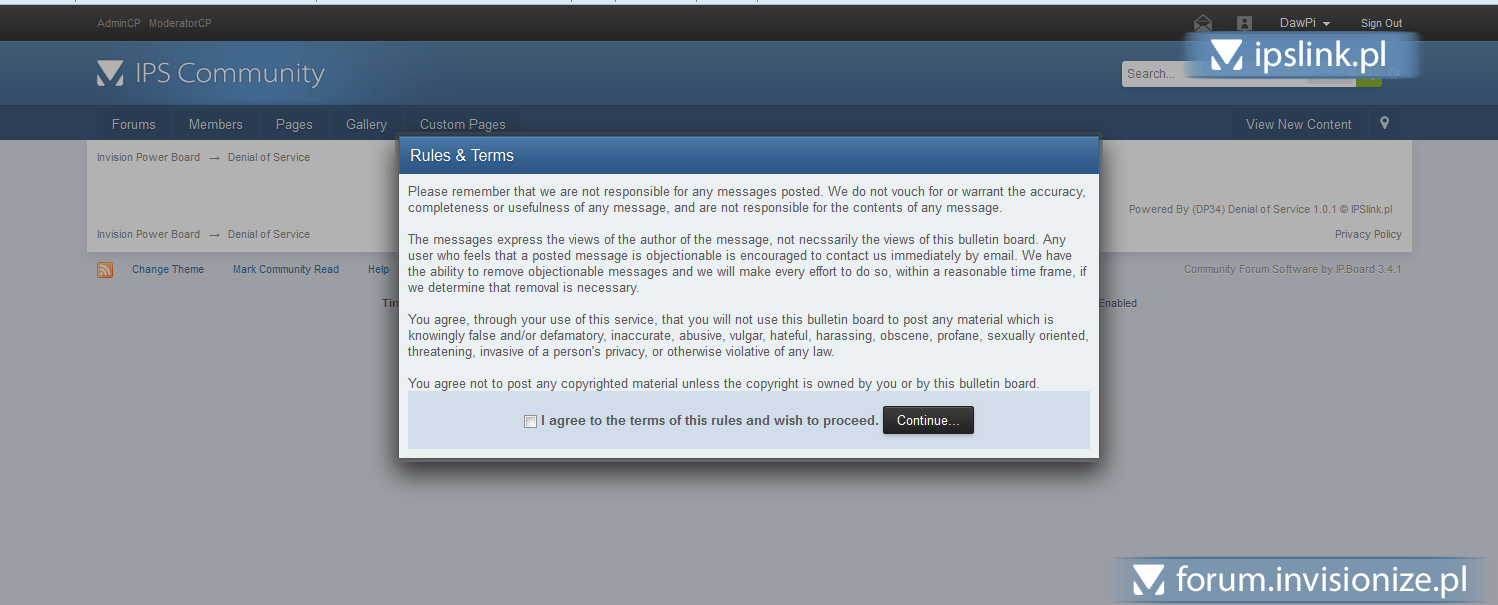
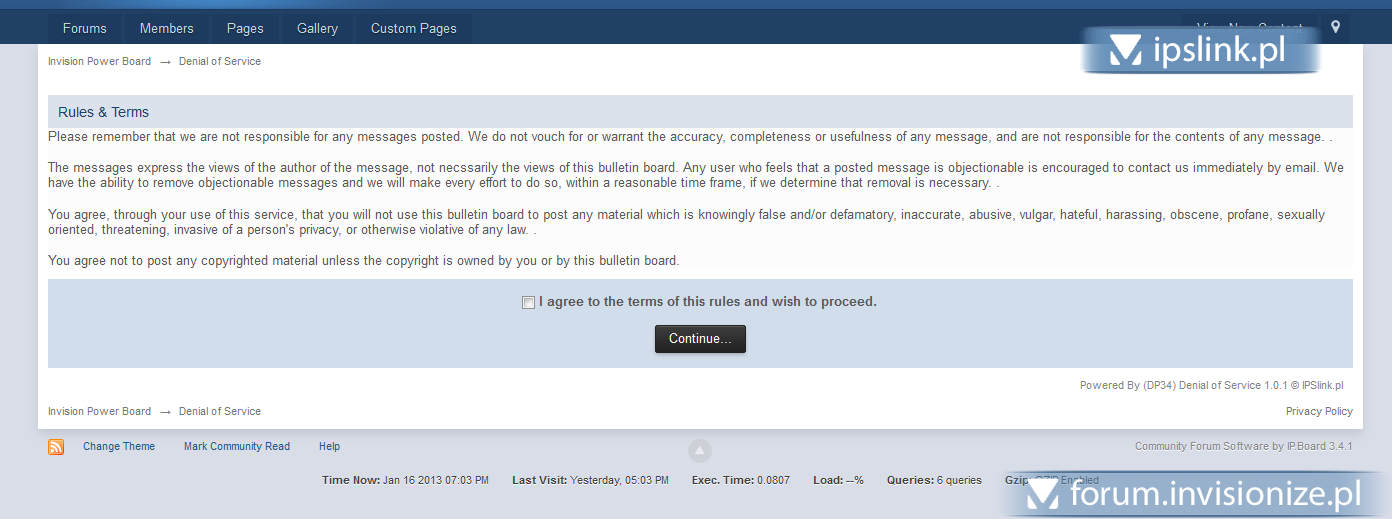
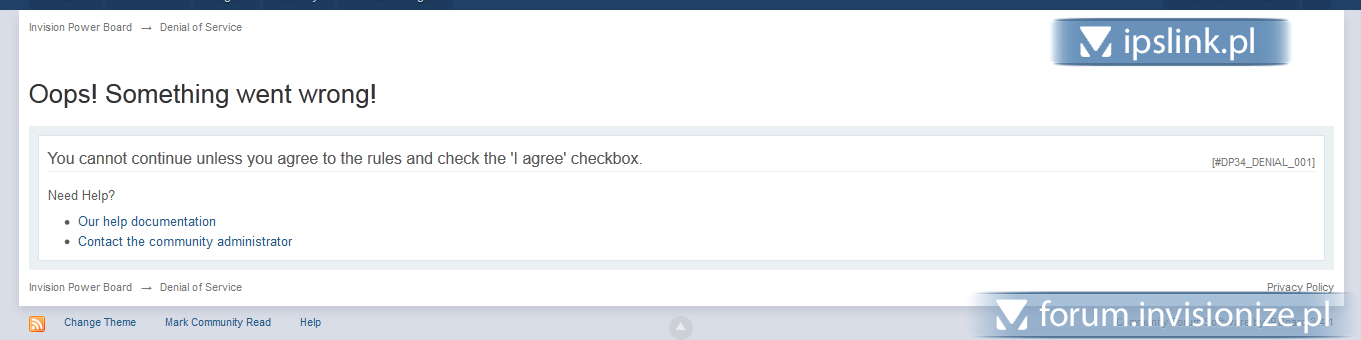
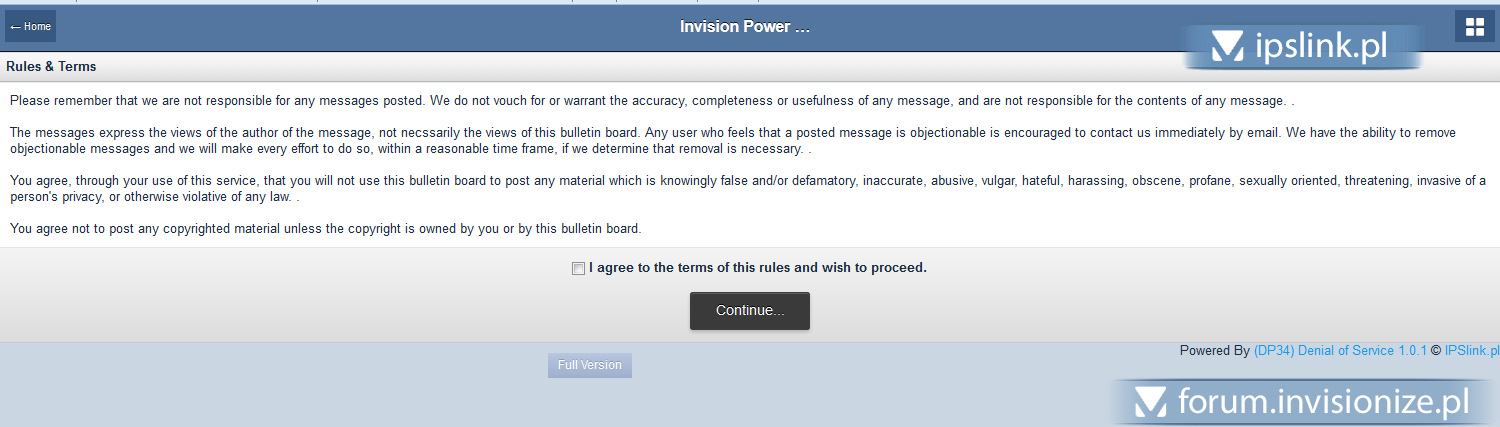
With this mod you can force users to read and agree with your custom terms and rules before they can do anything on board.
Features:
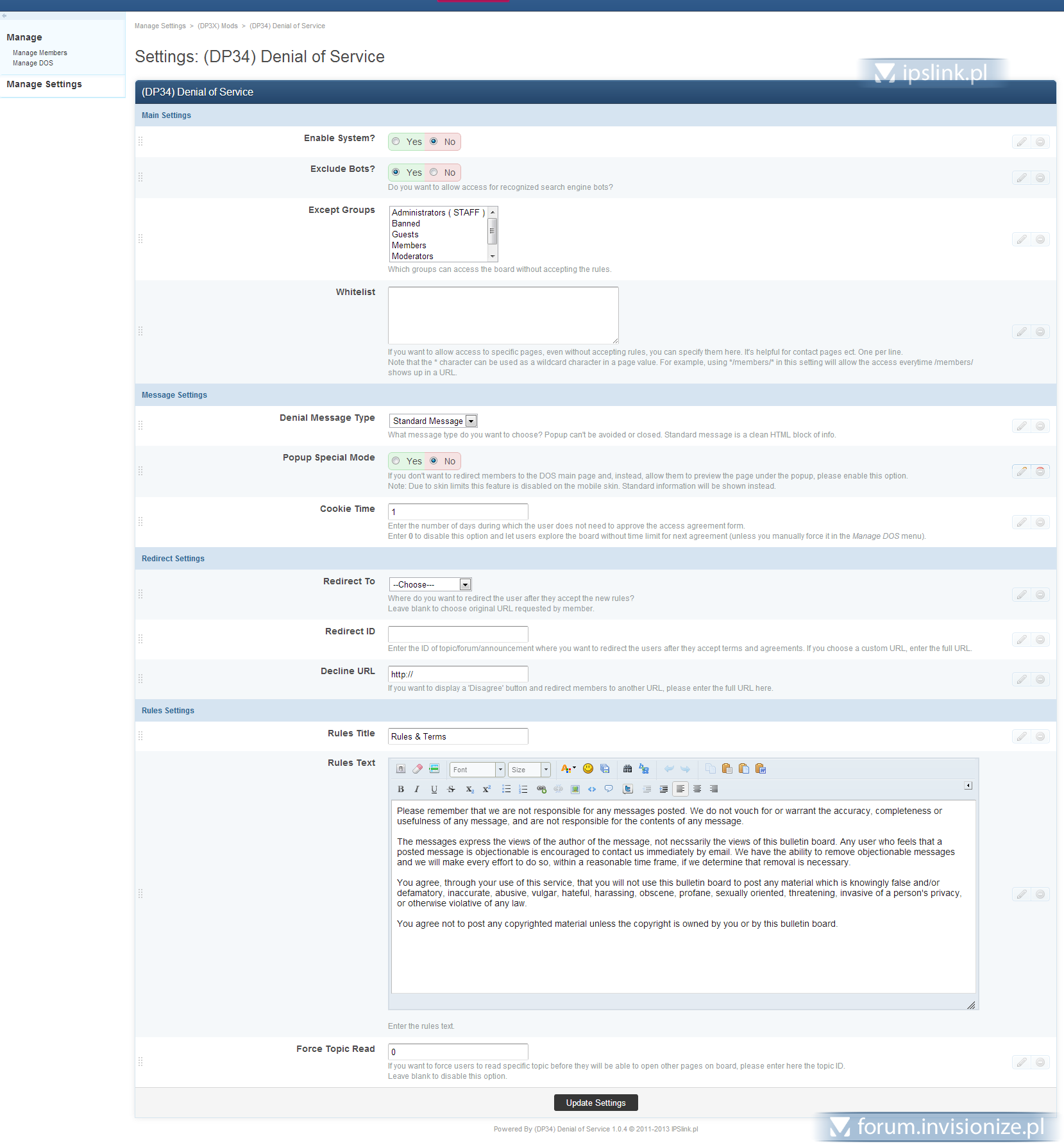
- Enable/disable system,
- Exclude (or not) search engine bots from this mod.
- Select excluded groups, they can acceess to the board even if they do not agree with rules.
- Whitelist feature: if you want to allow access to specific pages, even without accept rules. It's helpfull for example for a contact pages etc.
- Two message types: standard (with 15 second delayed time to activate agree button) and popup (can't be closed),
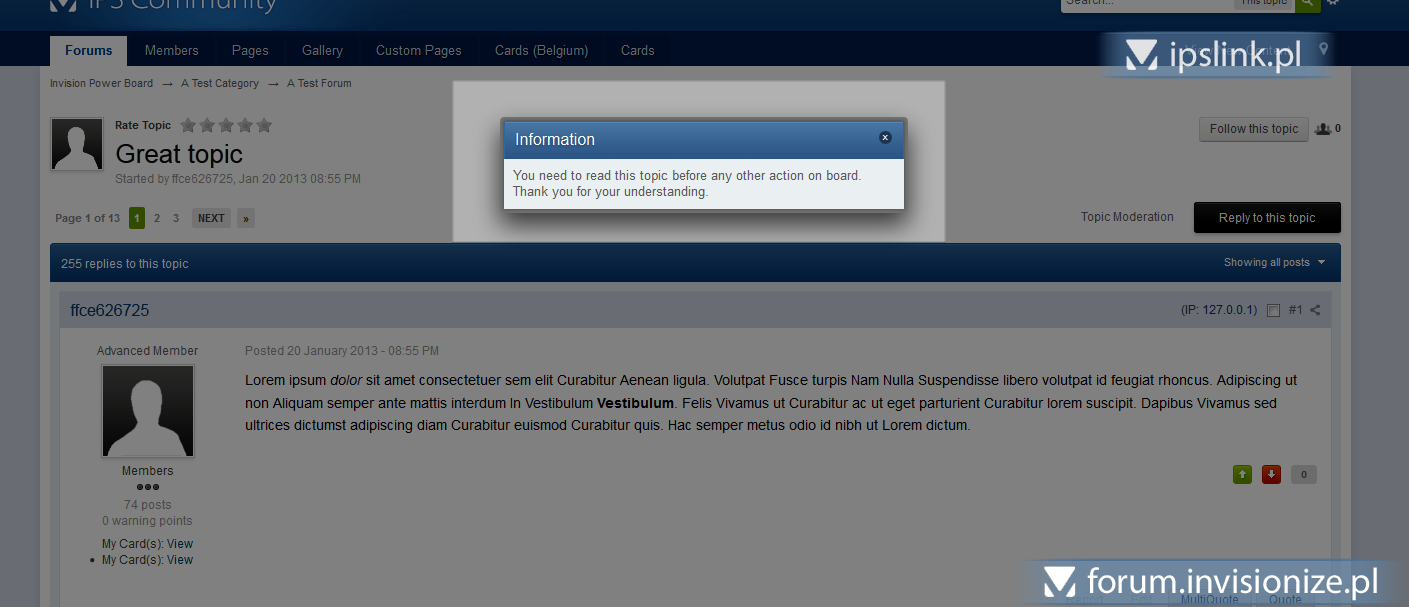
- Special popup mode - allow members to preview what is on the requested page - but above it display the popup,
- Cookie feature: number of days during which the user does not need to approve the access agreement form. Can be easily disabled.
-
Actions:
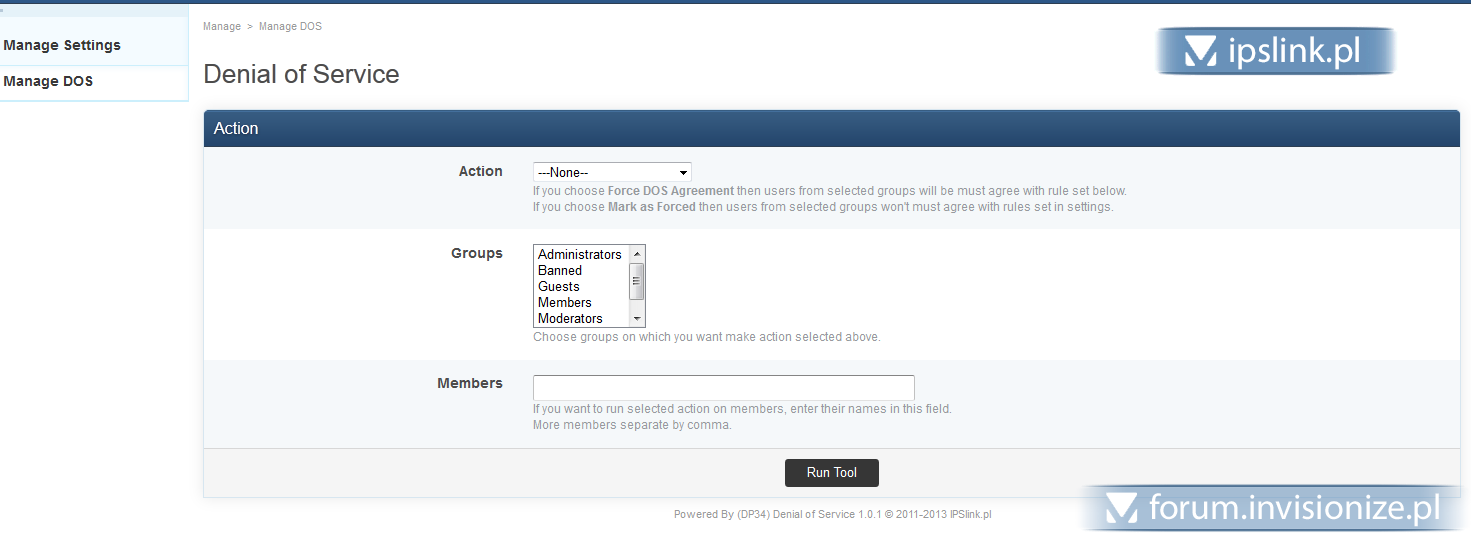
- If you choose Force DOS agreement then users from selected groups/members will be must agree with rule set below.
- If you choose Mark as forced then users from selected groups/members won't must agree with rule below.
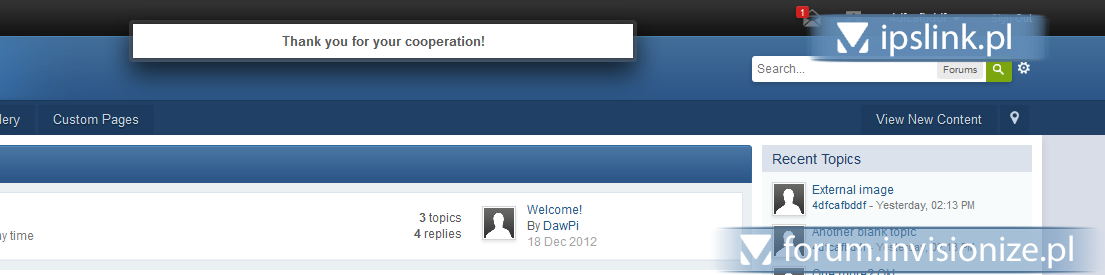
- Redirect settings: choose where you want redirect user after terms agreement. Available options: main page, specific forum/topic/post/announce by ID, main board page or custom URL.
- Force read specific topic before user will be able to open other pages on board,
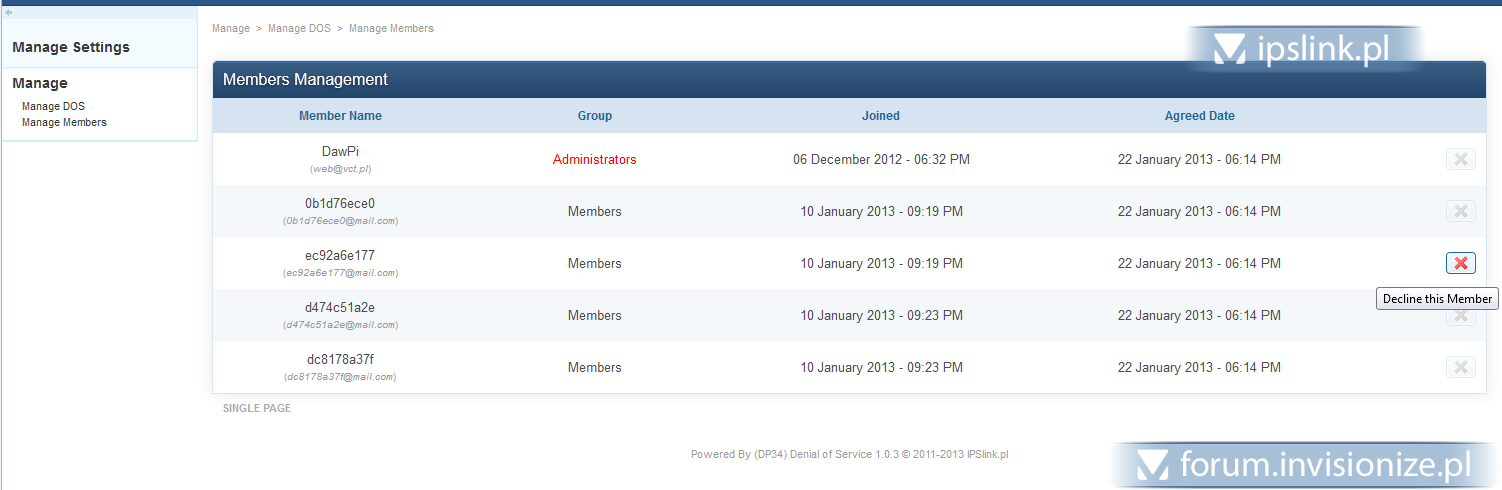
- List of members - easy force them to agree rules with tiny information about each (name, mail, joined date, agree date, group name).
@Thanks to Account07 for help with translation. 
Co nowego w wersji 1.0.4
Dodano
Brak zmian dla tej wersji
Rekomendowane komentarze
Jeśli chcesz dodać odpowiedź, zaloguj się lub zarejestruj nowe konto